15 Hidden Apple Watch Hacks to Try Today
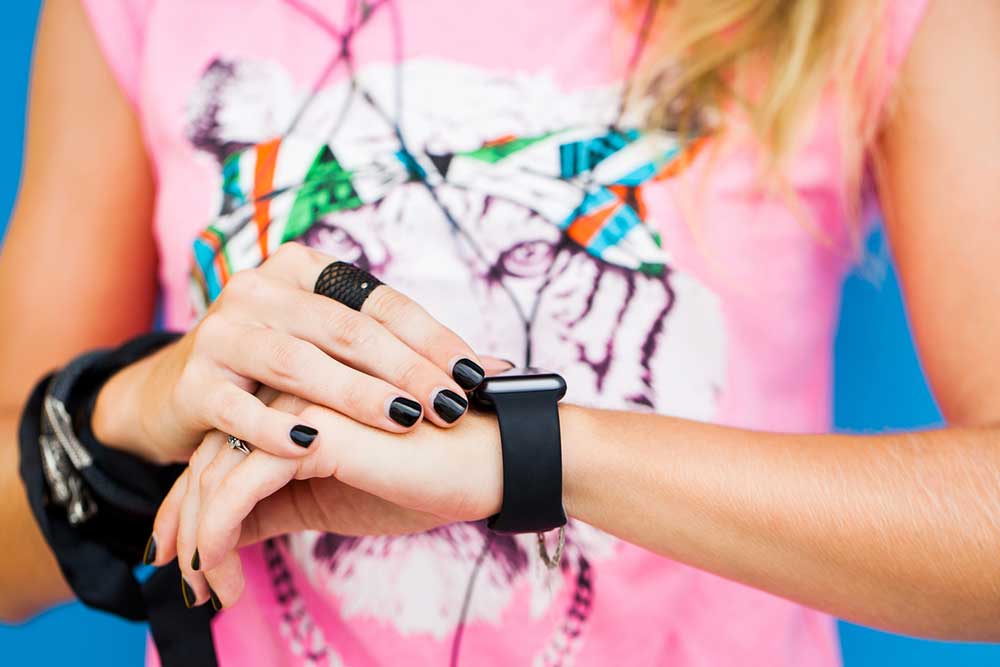
Wearable technology has witnessed significant advancements in recent years, helping users keep track of their health, fitness, and daily tasks. Apple, in particular, has ensured that its smartwatch series does more than just show time or check heartbeat. Apple smartwatches come with some extremely handy features that often go unnoticed by users. So, here are some hidden yet amazing Apple Watch hacks that can help one get the most out of the smart wearable:
1. Enable Taptic Time
Taptic Time helps users tell the time on their Apple Watch through vibrations without even glancing at their watch. This feature is especially useful for visually impaired users. To experience the Taptic Time, one can simply place two fingers down on the watch face, and the device responds with a series of gentle vibrations to convey the exact time. For instance, if it is 25 minutes past 2, the watch will provide two quick vibrations, followed by another two vibrations (indicating 20 minutes), and then five vibrations (making it 25).
2. Set the clock forward
This feature allows users to advance their watch’s time by a few minutes, up to an hour. This is useful for those who tend to run late or want to improve punctuality. Notably, setting the time forward on Apple Watch does not update the time on other connected devices, thereby avoiding any unintentional disruptions.
3. Try Multisport Triathlon mode
One of the newer features in the Apple Watch Series 8 and 9 is the “Multisport Triathlon” mode. This enables users to combine running, cycling, and swimming exercises into a single, integrated workout session. The watch automatically detects and tracks a switch between exercises. Further, users can customize their workout with their preferred activities, during which the watch captures different metrics, including heart rate, calories burned, distance, and more.
4. Enable automatic pause between workouts
With the “Auto-Pause” mode in the Workout settings, Apple Watch users can ensure their workout stats are accurate. Here, the watch detects breaks during the workout and temporarily stops recording the metrics until the user starts moving again. This ensures that the exercise data reflects precise stats.
5. Control the watch with gestures
The “Assistive Touch” feature enables users to control their Apple Watch using gestures. For example, a double fist clench opens the main menu, a single fist clench accepts selections, rotating the wrist moves the pointer on the watch screen, and pinching the thumb and forefinger helps navigate the watch. If one does not want to navigate the entire watch in this way, they can customize the gestures, retaining them for specific tasks like snoozing alarms. This relatively new feature makes using the watch more accessible, user-friendly, and fun.
6. Control camera remotely
One of the lesser-known handy features of the Apple Watch Series 8 and 9 is their ability to act as a remote control for the iPhone camera. This can help one take group photos or capture candid moments. To use the feature, one can open the Camera app on the iPhone and use the Apple Watch to trigger the shutter remotely.
7. Take screenshots with the watch
Apple Watch enables users to capture screenshots, allowing them to save and share moments from their watch screen with ease. These images are saved on the iPhone.
8. Make a workout playlist
One can have their favorite songs play automatically when they start their workout session. It is essential to note that this feature is solely available to Apple Music users.
9. Set a handwash timer
In the “Hand Wash” settings, Apple Watch offers a convenient 20-second hand wash timer. This built-in timer serves as a gentle reminder for users to wash their hands for the recommended duration, promoting effective hand hygiene. Moreover, the watch can send reminders to wash hands when users return home.
10. Try the water lock feature
While not waterproof, Apple Watches are water-resistant. With its Water Lock technology, users can prevent accidental input during swimming by temporarily deactivating the touch screen. This ensures that the water droplets are not mistaken for the touch command.
11. Eject water from the watch
After a swim or bath, the Apple Watch is designed to eject any remaining water. The feature can be activated by holding down the Digital Crown, where a series of tones play to eject any water from the speakers. This feature ensures one’s watch remains functional after water exposure.
12. Enable fall detection
The Apple Watch series 8 and 9 are equipped with fall detection technology. When a fall is detected, the watch automatically prompts the user to call emergency services. If there is no response, the watch makes the call on the user’s behalf. This feature provides an added layer of safety and peace of mind, especially for older adults and those with health concerns.
13. Explore optimized charging
When the “Optimized Charging” feature is activated, Apple Watches halt the charging process between 75% and 80% capacity. Here, the watch anticipates that it will be left to charge for an extended duration based on past charging patterns and location data. So, this hack can help the watch predict the ideal time to reach a full charge.
14. Utilize low-power settings
Exclusive to Apple WatchOS 9, the “Low Power Mode” can be turned on for up to three days. To conserve energy by temporarily disabling specific battery-draining features like always-on display and reducing background health sensor readings.
15. Try mirroring feature
One can activate the “Apple watch mirroring” feature on the iPhone in the “Accessibility” section to mirror the watch screen on the smartphone. This allows for faster and easier navigation and customization whenever required.