Talent acquisition software – Tips to choose and top platforms to consider
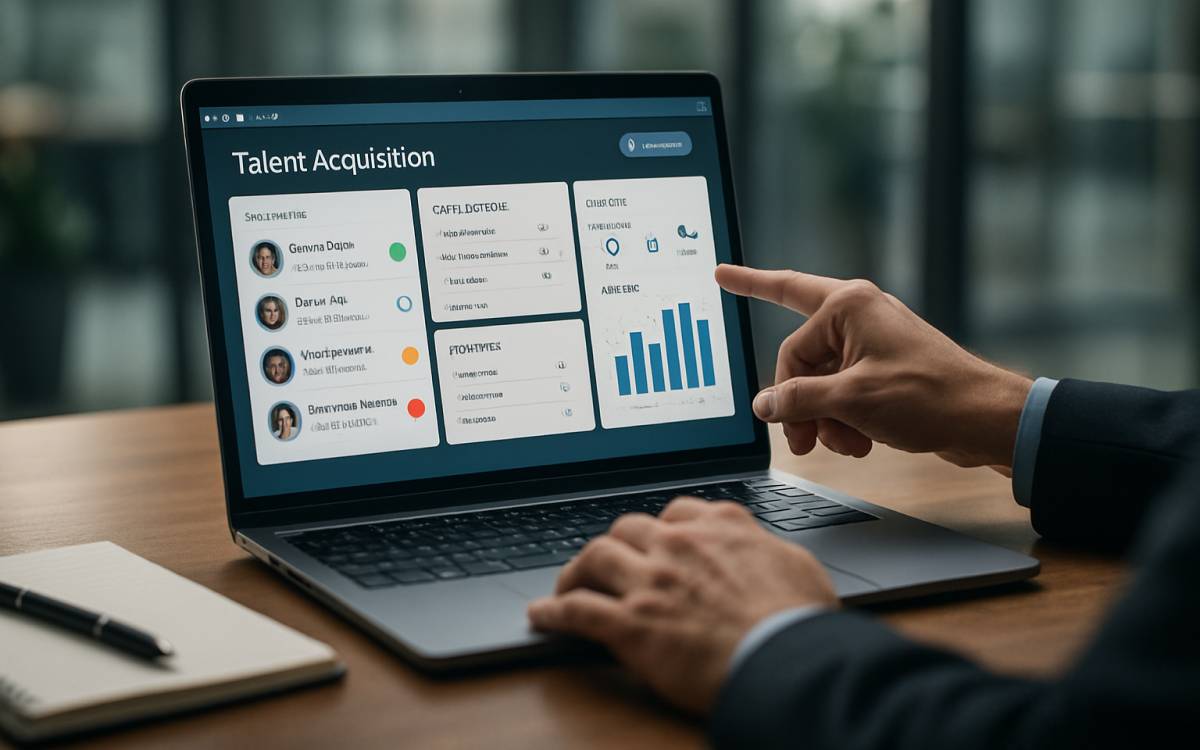
Hiring today is much less of a hassle compared to the past, thanks to the development of talent acquisition tools. They assist recruiters by minimizing manual work, like filtering through hundreds of resumes, and simplifying the process of identifying the right candidates. Essentially, they provide structure and efficiency to the entire hiring process. But with so many options available, choosing the right talent acquisition suite requires careful evaluation of features, flexibility, and long-term fit.
Tips to choose the right talent acquisition suite software
Check the features being offered
When choosing a talent acquisition suite, the first thing to consider is the range of features offered. Essential features should include resume parsing and candidate sourcing. Resume parsing enables the tool to automatically extract relevant information from resumes, while candidate sourcing facilitates the search for candidates based on required skills and experience. But these are just for the basics. In addition to these, talent acquisition tools should also have an applicant tracking system, interview scheduling capabilities, built-in team collaboration, and the ability to share feedback. With AI integration, the tools can proactively suggest suitable candidates for open roles based on the stated requirements and the candidates’ profiles.
Make sure it can integrate with existing technology
An ideal recruitment software solution seamlessly integrates with the organization’s existing systems and technology. It just makes operations easier for everyone by reducing the need for manual data entry, lowering the chances of errors, and creating a single channel for collating employee data. So one must especially look for talent acquisition tools that integrate with HR systems such as payroll, onboarding, performance management, and analytics tools already in use.
To evaluate how well a recruitment tool integrates with existing systems, one can consider requesting a demo from the provider. This will also help the organization assess the user friendliness of the tool.
Check for remote access
Even with the most advanced tools, organizations still rely on their hiring personnel to accelerate the recruitment process. Software that supports remote access can significantly simplify the task. It allows recruiters to review applications, communicate with candidates, and manage hiring tasks from any location. This flexibility helps prevent delays and keeps the recruitment process moving even when team members are working remotely.
Ensure it is scalable and flexible
As organizations scale up, their hiring needs change. So, it is essential for a recruitment platform to be scalable. If a particular system lacks scalability, the organization may face challenges managing its recruitment process as hiring demands increase.
Additionally, it is important to select a provider that regularly updates its platform and invests in AI improvements. When the software evolves along with the organization, it will prove to be more valuable in the long term.
Compare providers
Comparing vendors is an important step in choosing a talent acquisition tool. Organizations need to examine each provider’s reputation, customer reviews, and pricing structure to make the right buying decision. When assessing customer reviews, it’s essential to pay attention to feedback regarding the quality of customer support, the overall functionality of the tool, and its user interface. By comparing HR talent suites, organizations can gain a clear understanding of which tool is offering a competitive combination of price, quality, and customer support, making the decision-making process easier.
Popular talent acquisition platforms to consider in 2026
SmartRecruiters
This platform is particularly well-suited for global organizations. It is capable of supporting high-volume hiring needs, which benefits international retail or tech firms that recruit personnel worldwide. More importantly, it supports multiple languages and regional compliance requirements, making it easier to manage international hiring.
Greenhouse
This talent acquisition tool is known for its seamless integration with existing systems. It can easily connect with HR systems, assessment tools, and communication platforms, making it a strong fit for organizations with established, streamlined technologies.
iCIMS’ Talent Cloud
This tool stands out for its candidate relationship management features. It allows recruiters to build and maintain talent pools for future roles. Additionally, it uses AI to parse resumes and recommend candidates, streamlining the recruitment process for HR teams.